
How NFC Business Cards Work (2026 Guide)
An NFC business card looks like a card and behaves like a link. The interesting part is everything that happens in the moment between a phone getting close and your profile appearing on its screen.
The short answerAn NFC business card holds a small chip with one thing on it: a web address. When someone brings an unlocked, NFC-enabled phone close, the phone powers the chip, reads the link and shows a notification; they tap it and your profile opens in their browser. No app on their side, no battery in the card, and they choose what to save.
Most explanations of NFC cards either drown you in radio terms or skip straight to “just tap it.” This is the middle version — enough to understand what you are buying, what the other person sees, and where it can go wrong.
What is actually inside the card
Inside the card is a small chip and a coil of wire that acts as its antenna. That is all. No battery, no screen, no Bluetooth, no GPS.
The chip is a memory tag, and a small one. For scale, NXP lists 144, 504 or 888 bytes of user memory for its NTAG 213, 215 and 216 chips. That is room for a web address, not for your life story. So a well-designed NFC business card does not store your details at all. It stores one link, and the link points to a profile that lives online.
That design choice matters more than the chip. Because the card only holds an address, you can change everything on the profile — new number, new job, new booking link — and the card keeps working. Nothing to reprint.
Where the power comes from
The card is passive. It has no power of its own. The NFC Forum, the industry body behind the standard, describes NFC as a short-range radio technology at 13.56 MHz in which one side can also transmit power over the connection, which is what makes battery-less tags possible.
In practice: the phone puts out a field, the card’s antenna picks up just enough energy from it to wake the chip, the chip answers with its link, and the exchange is over before anyone notices. Take the phone away and the card goes back to being a piece of plastic.
It also explains the range. The NFC Forum gives a typical range of up to 2 cm. This is not Bluetooth across a room. The phone has to be practically touching the card.
What the other person sees, step by step
- You hold the card still. With a wristband, your wrist stays still. You do not wave anything at anyone.
- They bring the top back of their unlocked, NFC-enabled phone close to it.
- Their phone reads the link and shows a notification.
- They tap the notification, and your profile opens in their browser.
- From there they choose what to open or save — your number, your Instagram, your website. Nothing is saved for them.
No app on their side, no account, no pairing. The phone already knows how to do this.
How iPhone and Android handle it
Both platforms read this kind of tag without an extra app, and both put the person in control of what happens next.
iPhone. Apple’s developer documentation says iPhone XS and later support background tag reading: the phone reads the tag with no app open, shows a pop-up notification, and acts only after the person taps it. If no app is tied to the link, it opens in Safari. Apple also says the phone reads tags in the background only while it is in use, and that reading is unavailable at certain times — for example while the camera or Apple Pay Wallet is in use, or in Airplane mode.
Android. Google’s developer documentation says Android phones usually look for NFC tags whenever the screen is unlocked, unless NFC has been turned off in Settings. It also says that beginning with Android 17, a tag holding a web link brings up an “open link” notification that needs the person’s tap.
Two practical consequences. The phone has to be unlocked and in use — a phone in a pocket reads nothing. And if NFC is switched off, the tap does nothing until they switch it back on.
What an NFC business card cannot do
- Work at a distance. A couple of centimeters, not a couple of meters.
- Save itself into someone’s contacts. The tap opens a link; the other person decides what to keep.
- Work on every phone. Some phones have no NFC, and some have it turned off. A QR code of the same profile is the standard backup.
- Track anyone. The chip has no battery and no location hardware; it only answers when a phone is almost touching it.
- Hold payment details. A business card tag holds a link, not card numbers.
Card, wristband, or both
The chip and the link work the same whether they sit inside a card, a sticker or a fabric band. The only real question is where you want the thing to be when you meet someone: in your wallet, or already on your wrist.
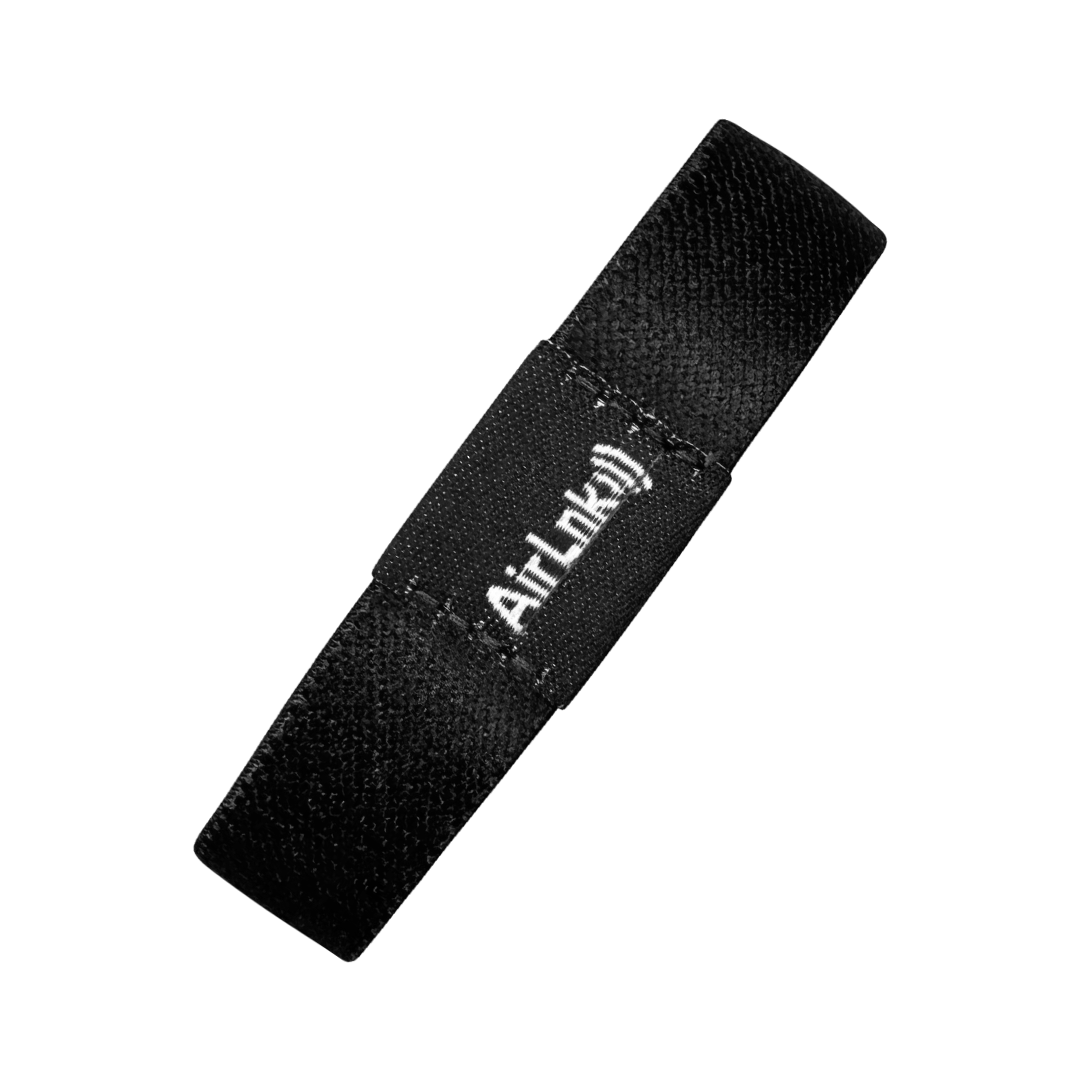
AirLnk makes both. The AirLnk Smart Card is a durable NFC card for your wallet; the AirLnk Smart Wristband is a soft woven fabric band with a stitched NFC patch. Both open the same profile, built in the AirLnk app with as many links as you want and changed whenever you like — the next tap shows the new version.
For phones that cannot read NFC, the app shows the same profile as a QR code.
Sources
AirLnk FAQ
Does the other person need an app to read an NFC business card?
No. iPhones and Android phones with NFC read the tag themselves, show a notification, and open the link in the browser once the person taps it.
How close does the phone need to be?
Very close. The NFC Forum gives a typical range of up to 2 cm, so the phone is practically touching the card.
Does an NFC business card need a battery?
No. The chip is passive — the reading phone powers it for the moment it is close.
Which iPhones can read NFC cards without an app?
Apple’s developer documentation says iPhone XS and later support background tag reading.
What happens if their phone has NFC turned off?
Nothing, until they turn it on. That is why a QR code of the same profile is a useful backup.