What's Better Than a Business Card? An Honest Look at Every Option
Something is better than a business card only if it works in the actual moment you meet people. Here is every realistic option, the free ones included, and the situation each one wins.
The short answerIt depends on who you meet and where. Between two iPhones, NameDrop is free and quick; when one platform matters most, an Instagram or LinkedIn QR code works; for everyone else, a profile page shared by QR code or NFC tap carries everything at once. A paper card still wins in rooms that expect one.
A paper card does three things well: it needs no technology, it is a polite physical gesture, and it doesn't care what phone anyone has. Anything that replaces it should do at least as much. Most options beat it on one point and lose on another, so it pays to be specific.
Saving the contact by hand
Free, universal, and still what people fall back on. One person reads out a number, the other types it in.
It wins when the moment is one to one and unhurried, and you want their number as much as they want yours — ask them to text you so you both end up with each other. It loses when you are spelling an email address over music, or when you want them to have more than a number: your work, your booking link, the account you actually post on.
QR codes
A QR code costs nothing to make. An iPhone reads one from the regular Camera app, and on Android, Google Lens in Chrome reads them too. Point it at a page with your details and you have a business card you can update.
It wins when you are printing something — a table sign, a flyer, the last slide of a talk — because lots of people can scan it without you in the loop. Face to face it's weaker: you get your phone out, unlock it, open the code, turn the brightness up, and wait while they aim.
NameDrop and AirDrop
Apple's NameDrop swaps contact cards when one iPhone's screen is held a few centimeters from the top of another, and Apple's guide says it also works with some Apple Watch models. Each person chooses whether to share their card or only receive the other's, and picks which fields to include. It is free and it hands over a real contact card.
It wins when you are both on iPhone. It loses the moment someone is holding an Android phone, and Apple notes it only sends new contact information, not updates to a contact someone already has. AirDrop, which NameDrop lives under in the iPhone's settings, can pass a link between Apple devices too, with a few more taps.
Social apps
Instagram and LinkedIn both build a QR code into their apps. LinkedIn's sits behind the QR icon in the search bar, with a My code tab for yours and a Scan tab for someone else's, and Instagram lets people scan a code to find your profile. Free, and the other person follows or connects with you on the spot.
It wins when one platform really is the relationship — a creator and a fan on Instagram, a recruiter and a candidate on LinkedIn. It loses when the person you meet isn't on that app, and it only ever shares one account. Your phone number, your email and everything else stay out of it.
A digital business card
A digital business card is a profile page that gathers everything — photo, number, email, socials, website, booking link — at one address you can edit. It fixes paper's biggest weakness: you never reprint, and the next person sees the current version.
On its own it is just a link, so it needs a way to travel. Over text or email after the meeting, a link is fine. In person, you need a QR code or a tap.
An NFC card or wristband
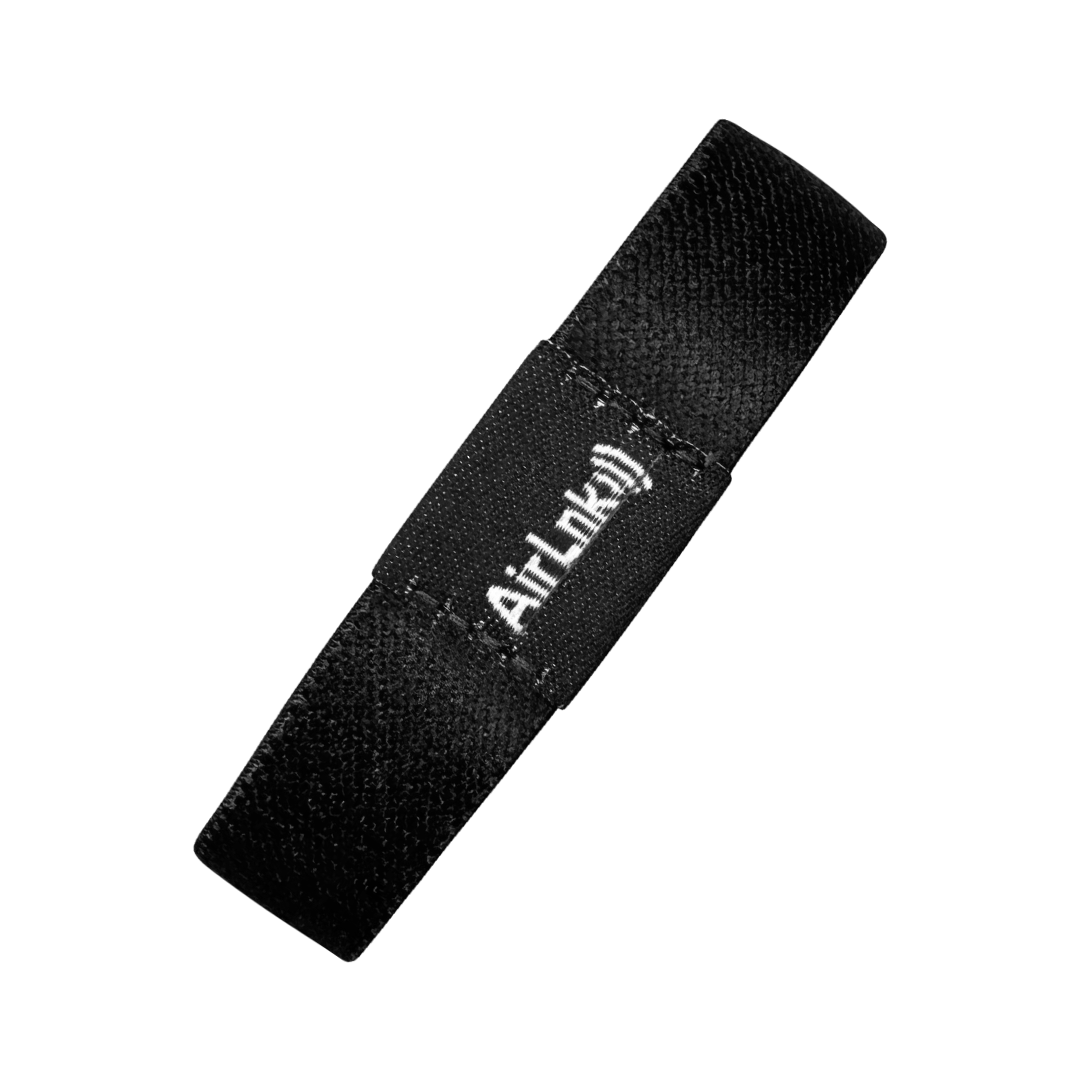
An NFC card or wristband is the physical way to deliver that profile. The other person brings the top back of their unlocked, NFC-enabled phone close to it, a notification with the link appears, they tap it, and your profile opens in their browser. They need no app, and they choose what to open or save.
It wins when you meet people standing up, with your hands busy, or one after another, because you never touch your own phone. It costs money where the other options are free, and some phones have NFC turned off or lack it, so you still want a QR code for those.
So which one is better?
- Two iPhones, one to one: NameDrop.
- One platform matters more than the rest: that app's QR code.
- Lots of people at once, from a sign or a screen: a printed QR code.
- Mixed phones, standing up, hands full, or you want them to have everything: a profile shared by tap, with a QR code as the fallback.
- A room that expects a card: a paper card. There is no shame in it.
You will probably end up using two of these, not one.
If the tap is the one you want, the AirLnk Smart Card and the woven fabric Smart Wristband open a profile you build in the AirLnk app — and the app shows the same profile as a QR code, so the fallback is already there.
Sources
- Apple Support: Use NameDrop on iPhone to share your contact info
- Apple Support: Scan a QR code with your iPhone camera
- Google Chrome Help: Search with Google Lens in Chrome (Android)
- LinkedIn Help: Using a LinkedIn QR Code to Connect with Members
- Instagram Help Center: Scan a QR code to find someone's profile on Instagram
AirLnk FAQ
Is there a free alternative to business cards?
Yes. Typing a number in by hand, a QR code that opens a page you control, NameDrop between iPhones, and the QR codes built into Instagram and LinkedIn all cost nothing.
Does NameDrop work with Android phones?
Apple's guide describes NameDrop as working with a nearby iPhone or Apple Watch, so it isn't an option with an Android phone. A QR code or an NFC tap works with both.
Are digital business cards better than paper?
They are better at staying current and at carrying more than a phone number. Paper is still better in rooms where handing over a card is the expected gesture.
Do NFC business cards work with every phone?
No. They work with NFC-enabled phones, and some phones have NFC turned off or don't have it. Keep a QR code ready for those.