
I Hate My Business Cards. What Are My Options?
Disliking your business cards is more common than people admit. “Hate” usually comes down to one specific problem, and each problem has a different fix.
The short answerStart by naming what you hate: the look, the reprinting, never having one on you, or the fact that nobody keeps them. Then pick the option that fixes that problem — a better-designed paper card, a QR code, a digital profile, or an NFC card or band that opens a profile you can edit. Plenty of people end up carrying a few paper cards plus one digital option.
Before you put a box of five hundred in the recycling, figure out which complaint is actually yours. It changes the answer.
What exactly do you hate?
- They're out of date. You changed your number, your title, your Instagram handle or your whole business, and now every card in the box is wrong.
- Nobody keeps them. You hand them out and never hear back.
- You never have one. They are in the other jacket, the car, the bag you didn't bring.
- They look cheap. Thin stock, a template design, a logo that is a little blurry.
- They feel dated. You hand one over and it feels like a ritual from another decade.
Most people have two or three of these at once. Read the options below with your own two or three in mind.
Option one: fix the paper card
If the problem is how they look, a better card might genuinely be the answer. Heavier stock, one clear typeface, more white space and less information all help. A card that tries to list six social accounts, two phone numbers and a slogan reads as clutter, however good the paper is.
What paper can't fix is everything else on the list. A beautiful card still goes out of date, still gets left in the other jacket, and still depends on someone typing it into their phone later.
Option two: a QR code
A QR code on the back of your card, or on your phone screen, turns paper into a link. The other person points their camera, taps, and lands on a page instead of typing anything.
The catch is that a printed QR code is only as current as the page it points to. Point it at something you can edit, never at a file you can't change. And if you show it on your phone, you need your phone out, unlocked and bright, which brings back the problem of reaching for something mid-conversation.
Option three: a digital business card
A digital business card is a profile page — your photo, your links, your contact details — that lives at one address. You share the address and change the page whenever something changes. That solves “out of date” in one move.
On its own, though, it still needs a way to get from you to the other person in the moment. A link pasted into a text works after the meeting. Standing in front of someone, you need a QR code or a tap.
Option four: an NFC card or band
An NFC card or wristband is the physical object that delivers the digital card. It holds one web address. The other person brings the top back of their unlocked, NFC-enabled phone near it, taps the notification that appears, and your profile opens in their browser. They need no app, and they choose what to open or save.
This answers most of the list at once. It doesn't go out of date, because the profile behind it changes. You don't run out, because you keep the same card. A band also answers “I never have one,” because it's on your wrist. The honest limit: some phones have NFC switched off or don't have it, so keep a QR code as a fallback.
How to choose
Match the fix to the complaint:
- Looks cheap: redesign the paper card.
- Out of date: anything that points to a profile you can edit.
- Nobody keeps them: a method that ends with your profile open on their phone while you are still talking.
- You never have one: something you don't have to remember — a band on your wrist, or one card that lives in your wallet for good.
And keep a few paper cards anyway if your industry still expects them. Some rooms — a formal meeting, a client who collects cards in a holder on the desk — do. There is nothing wrong with carrying both.
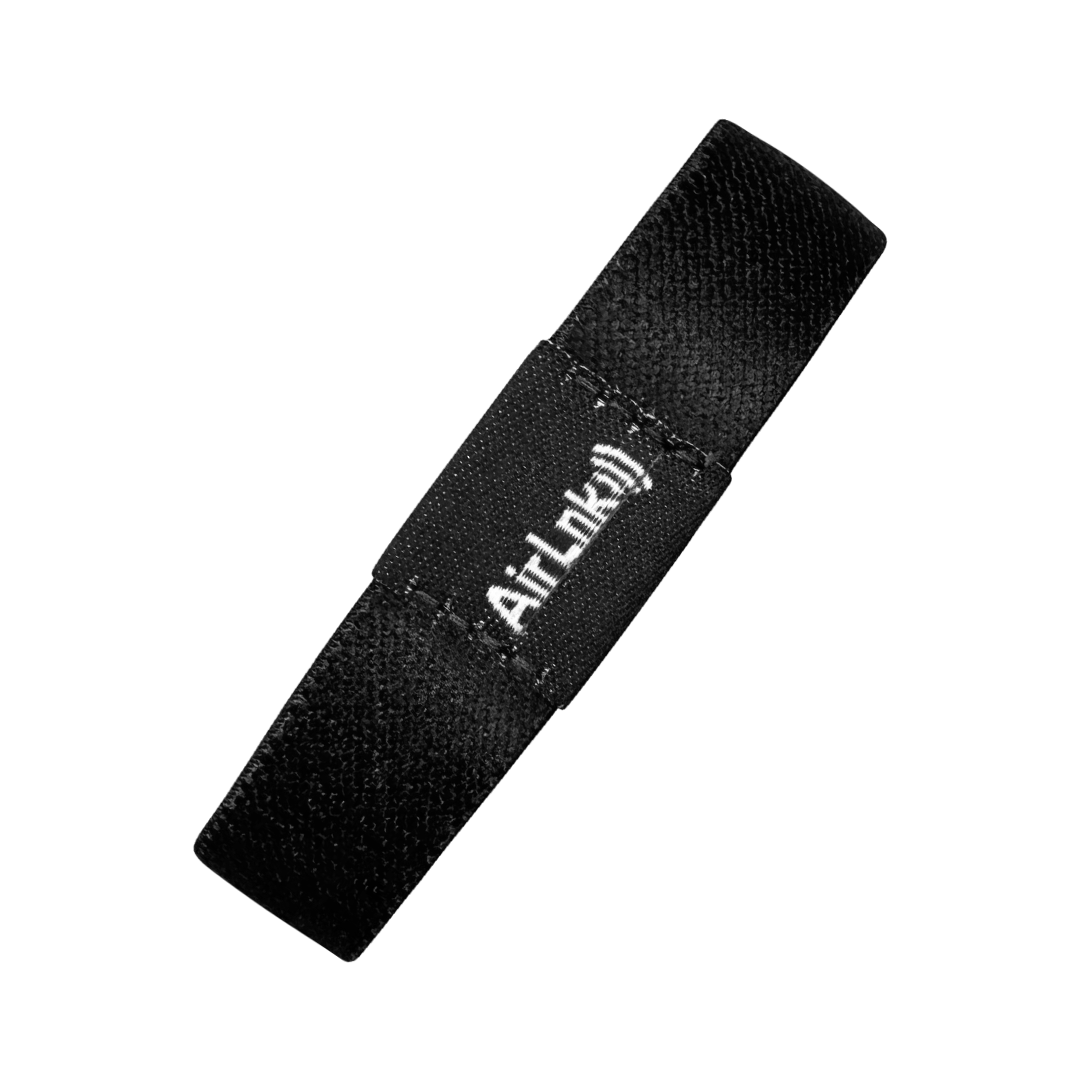
The AirLnk Smart Card and Smart Wristband are the option-four version: an NFC card or a woven fabric band that opens a profile you build and change any time in the AirLnk app, with as many links as you want and nothing to reprint.
AirLnk FAQ
What can I use instead of business cards?
A digital business card (a profile page you can update), a QR code that opens it, or an NFC card or wristband that opens it with a tap. Plenty of people keep a few paper cards as well for rooms that expect them.
Do I have to reprint when my details change?
With paper, yes. With a QR code or an NFC card that points to a profile you can edit, no — you change the profile and the next scan or tap shows the new version.
Do people need an app to open an NFC business card?
No. Their phone shows a notification with the link, they tap it, and your profile opens in their browser.